The mail service enables Internet users to send email messages to each other. Plesk can function as your mail server. It also enables you to create mail accounts and manage them, including performing a number of common mail-related operations. Such operations include changing the password for a mail account, enabling automatic replies, and so on.
If you do not need to create a mail account, proceed to the next step to learn how to add a custom DNS record in Plesk.
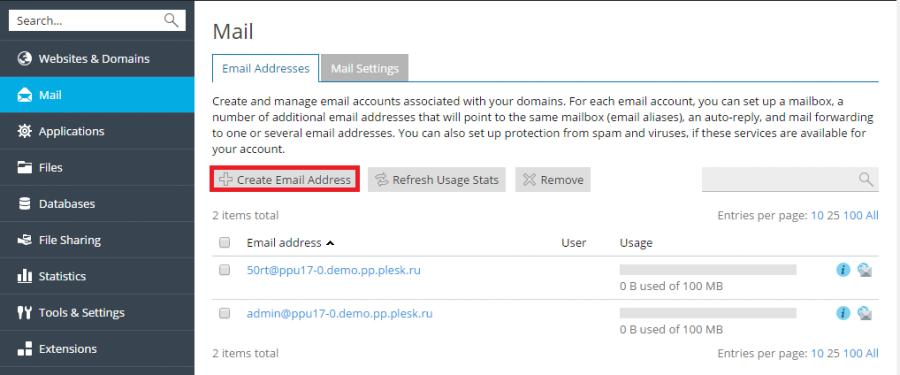
To create a mail account, go to Mail > Create Email Address.